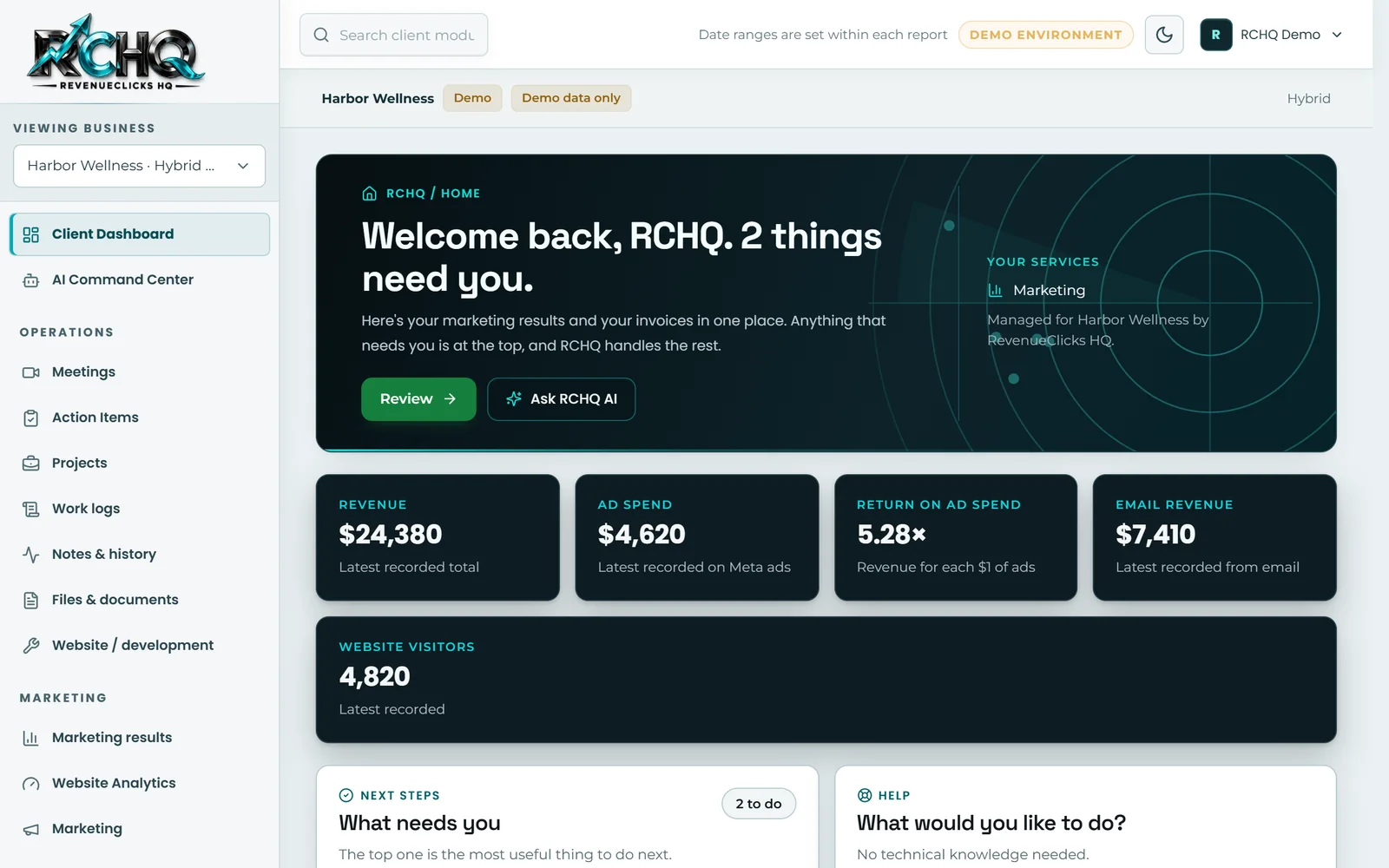
Client portals
A private place where customers see their projects, documents, requests and invoices.
Manage revenue · Custom Web Applications
When your team is juggling spreadsheets, email chains and disconnected apps, details slip. We build custom web applications that bring the work into one secure place, used from any browser.
How it helps your bottom line
Replacing manual, error-prone steps saves staff time, reduces mistakes and gives you a clearer view of the work and revenue moving through your business.
The short version
Think client portals, booking and order systems, customer management, approval workflows and internal dashboards, designed around the way your business actually runs and the people who use them.
Scoped work. We take these projects on case by case. Each one starts with a technical review, so the plan, timeline and cost are clear before anything is built.
Technologies we work with
What's included
A private place where customers see their projects, documents, requests and invoices.
One organized record of customers, deals and follow-ups, shaped to your process.
Your key numbers on one screen, drawn from the systems you already use.
Scheduling, approvals, intake and data entry that replace spreadsheets and email chains.
Everyone sees what they need, and nothing they shouldn't.
Older systems retired in stages, so day-to-day work keeps moving.
The difference it makes
How we work
Six clear stages, from the first conversation to long after launch, with something for you to review at every step.
We talk about your goals and learn how your business works before suggesting anything.
You get a clear plan: what we'll build, in what order, the timeline and the cost.
We design how it looks and works, and you see it and give feedback before we build.
We build it in stages you can review along the way. No disappearing for months.
We test speed, phones, forms and search setup, then launch carefully and watch for issues.
We track results and keep improving, so your investment keeps paying off.
Related work
RCHQ is an AI-powered business operating system designed, built and operated by RevenueClicks HQ. It runs our own operations and gives each client a separate workspace for customers, projects, meetings, estimates and invoices, with store and analytics data once those accounts are connected, and an AI assistant that answers from that data.
See all our work →FAQ
More answers about working with us, technology, AI and RCHQ are on the FAQ page.
We start by learning how your business runs today, then map a plan with the most valuable features first and a clear budget for each stage.
Usually. Many modern tools offer ways to connect. We confirm what each one supports early, before it shapes the plan.
Sometimes. If an existing product fits, we'll say so. Custom software makes sense when your process is a real advantage or nothing available fits well.
Related services
Tell us where you are and where you want to be. We will reply with a clear next step.